Photo in. 3D model out.

Turn any object into a 3D model in seconds

Upload a photo, let AI build the mesh, then recolor and restyle it until it's exactly what you need — no 3D software required.

See how it works

10 free credits on signup · your first 3D model is free

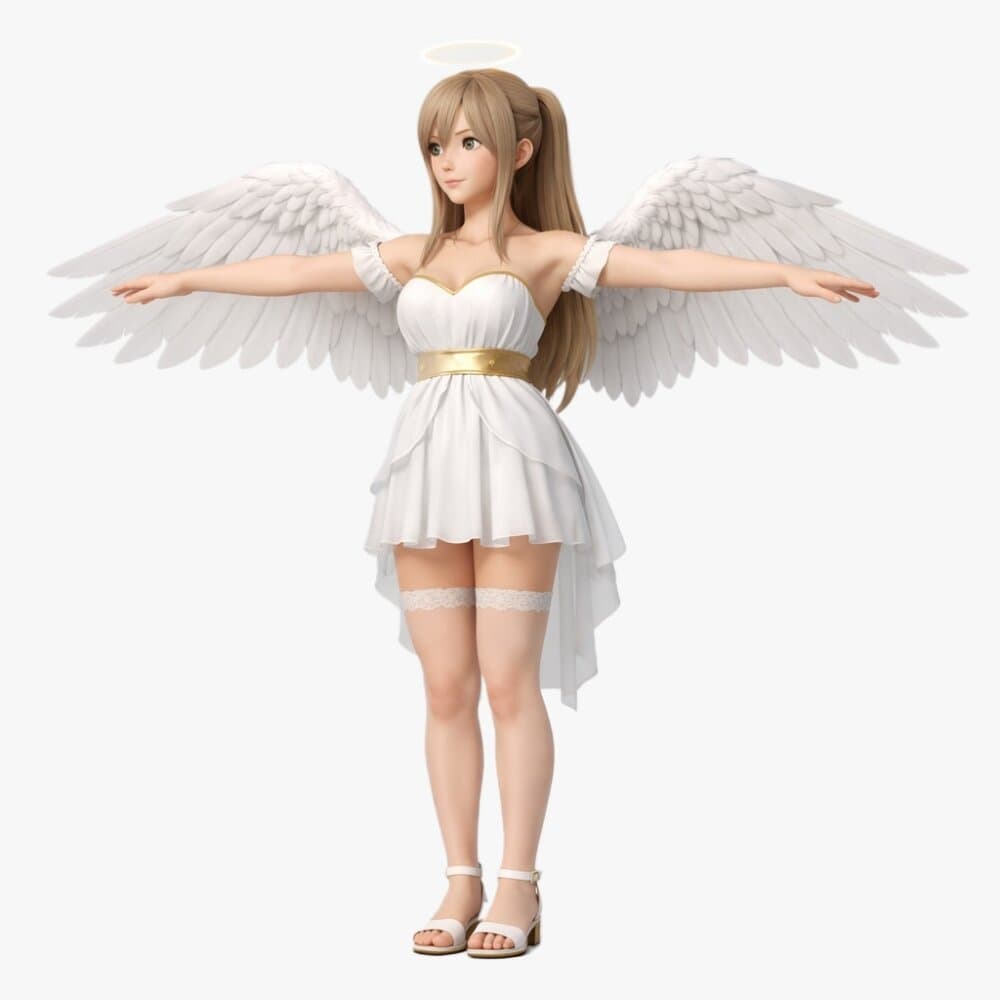
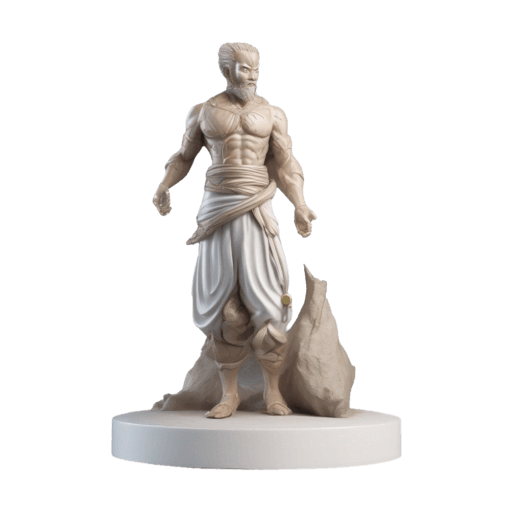
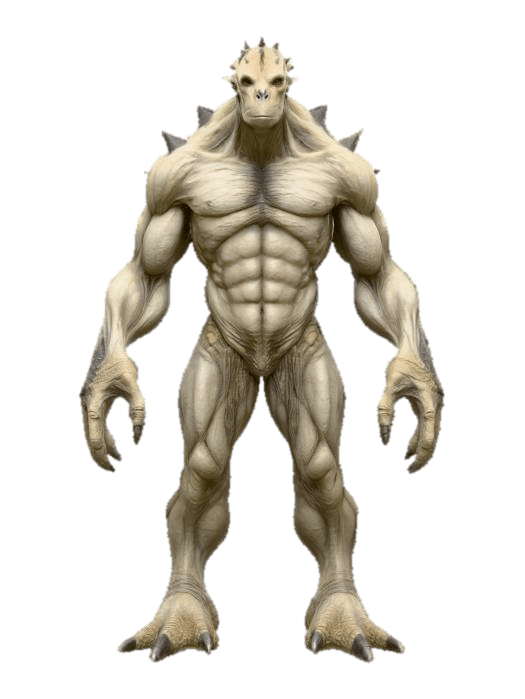
Angel — clay mesh render
Angel — photo
PHOTOMESHAngel
Showcase image 1
Showcase image 2
Showcase image 3
Showcase image 4
Showcase image 5
Showcase image 6
Showcase image 7
Showcase image 8
Showcase image 9
Showcase image 10
Showcase image 1
Showcase image 2
Showcase image 3
Showcase image 4
Showcase image 5
Showcase image 6
Showcase image 7
Showcase image 8
Showcase image 9
Showcase image 10
Showcase image 1
Showcase image 2
Showcase image 3
Showcase image 4
Showcase image 5
Showcase image 6
Showcase image 7
Showcase image 8
Showcase image 9
Showcase image 10
Showcase image 1
Showcase image 2
Showcase image 3
Showcase image 4
Showcase image 5
Showcase image 6
Showcase image 7
Showcase image 8
Showcase image 9
Showcase image 10
Showcase image 1
Showcase image 2
Showcase image 3
Showcase image 4
Showcase image 5
Showcase image 6
Showcase image 7
Showcase image 8
Showcase image 9
Showcase image 10
Showcase image 1
Showcase image 2
Showcase image 3
Showcase image 4
Showcase image 5
Showcase image 6
Showcase image 7
Showcase image 8
Showcase image 9
Showcase image 10
How MoveX3D works

Turn your object into 3D in three steps

Upload an image of your object, let AI generate your 3D model, then customize its appearance and export it when you're ready.

01

Upload your object

Upload an image of the object you want to turn into 3D. Use a clear image with the object visible from a suitable angle.

02

Generate your 3D model

MoveX3D uses AI-powered 3D generation to transform your uploaded image into an editable 3D model.

03

Customize & export

Adjust colors, materials and styles in editor, then save your project and export 3D model as a downloadable GLB file.

Swipe to explore
Built for creators

Your object.
Your style. Your 3D.

MoveX3D gives you a complete workflow for turning real-world objects into customizable digital assets without requiring complicated 3D software.
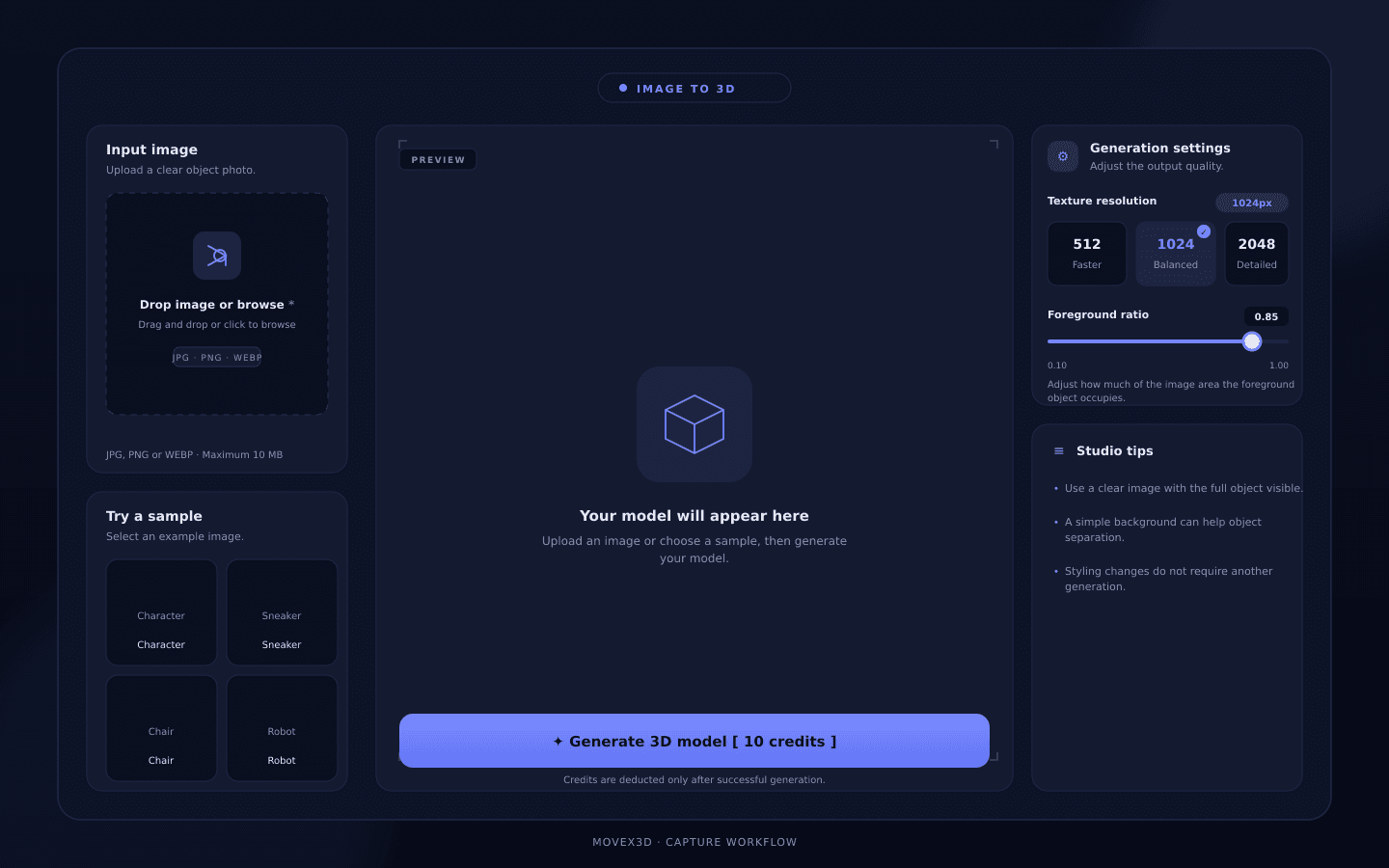
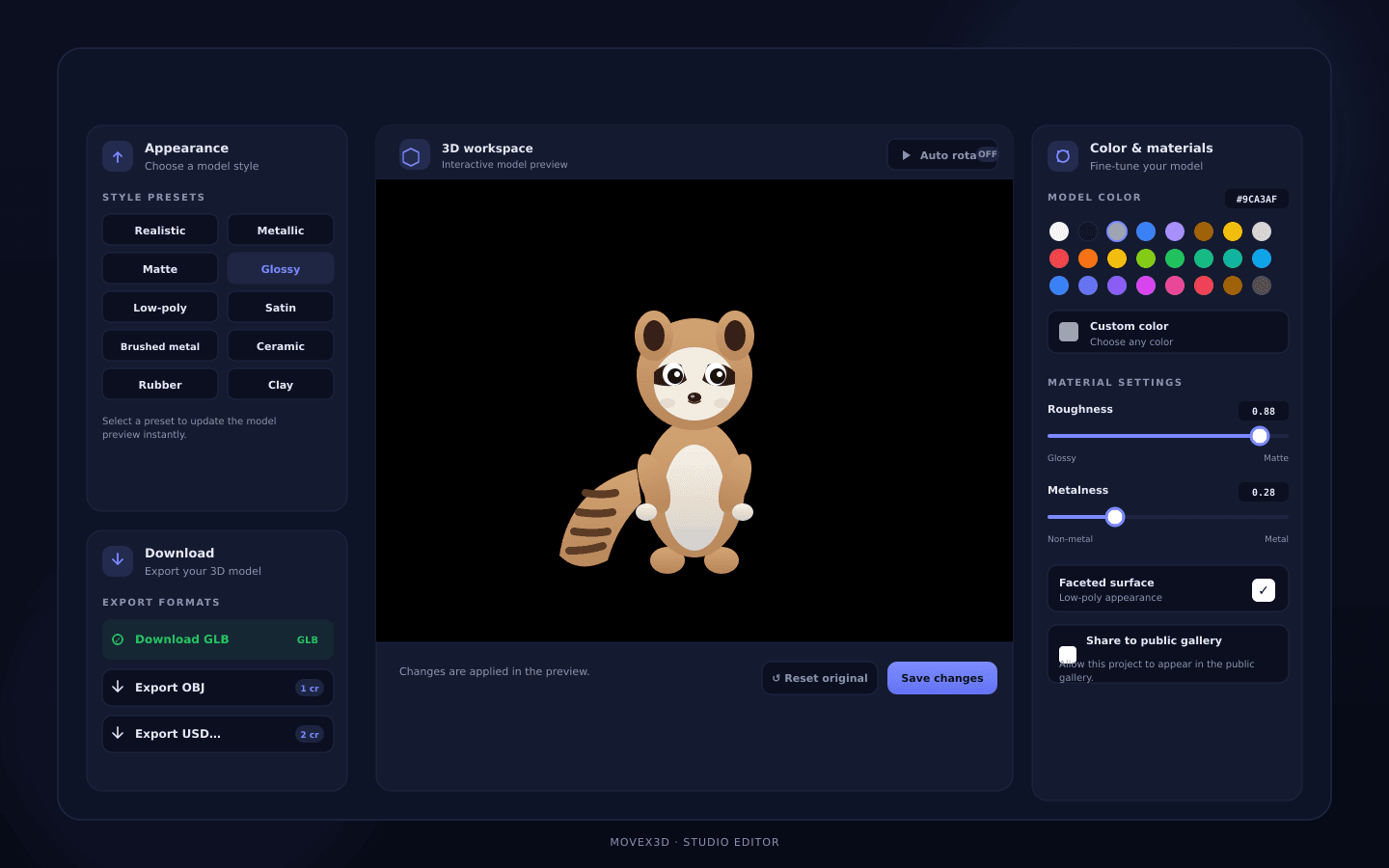
AI-powered image-to-3D generation
Custom styles and materials
Color customization
Save and manage previous projects
Export your finished 3D models
Explore styles
MoveX3D workspace
AI MODEL
Poster 1Poster 2

Object generated

Ready for customization

Customize

Make every model yours

Generate your model once, then experiment with different visual directions without starting the generation process again.

View all styles

Realistic

Keep your object close to its original appearance.

Explore style

Metallic

Give your model a shiny, industrial metal finish.

Explore style

Matte

Flat, even shading with no reflections or shine.

Explore style

Glossy

High-shine finish with strong highlights.

Explore style

Low-poly

Faceted geometry with visible polygon edges.

Explore style

Satin

Soft, silky sheen that catches the light gently.

Explore style

Brushed metal

Fine linear scratches give a machined look.

Explore style

Ceramic

Smooth, glazed surface with soft reflections.

Explore style

Rubber

Soft matte surface with slight grain.

Explore style

Clay

Unfinished sculpt-style surface with soft bumps.

Explore style

Polished

Mirror-like surface with crisp clean reflections.

Explore style

Weathered

Aged appearance with worn edges and patina.

Explore style

← Swipe to see more →

The difference

What used to take hours, now takes a minute.

Traditional workflow

  • Expensive 3D software licenses
  • Hours of manual modeling
  • Specialized hardware needed
  • Steep learning curve
  • Complex file management
  • Limited without a powerful PC
  • Weeks before first result
  • Export locked behind paid plans

With MoveX3D

  • Free credits to get started
  • Model ready in under a minute
  • Just a phone photo
  • No 3D experience required
  • Everything saved in your workspace
  • Runs in the browser, any device
  • Your first model today
  • Download your GLB file — free

← Swipe to compare →

Ready to turn your first
object into 3D?

Upload an image, generate your model and start experimenting with styles. Your first 10 credits are free.